One keyboard and mouse.
Every PC on your desk.
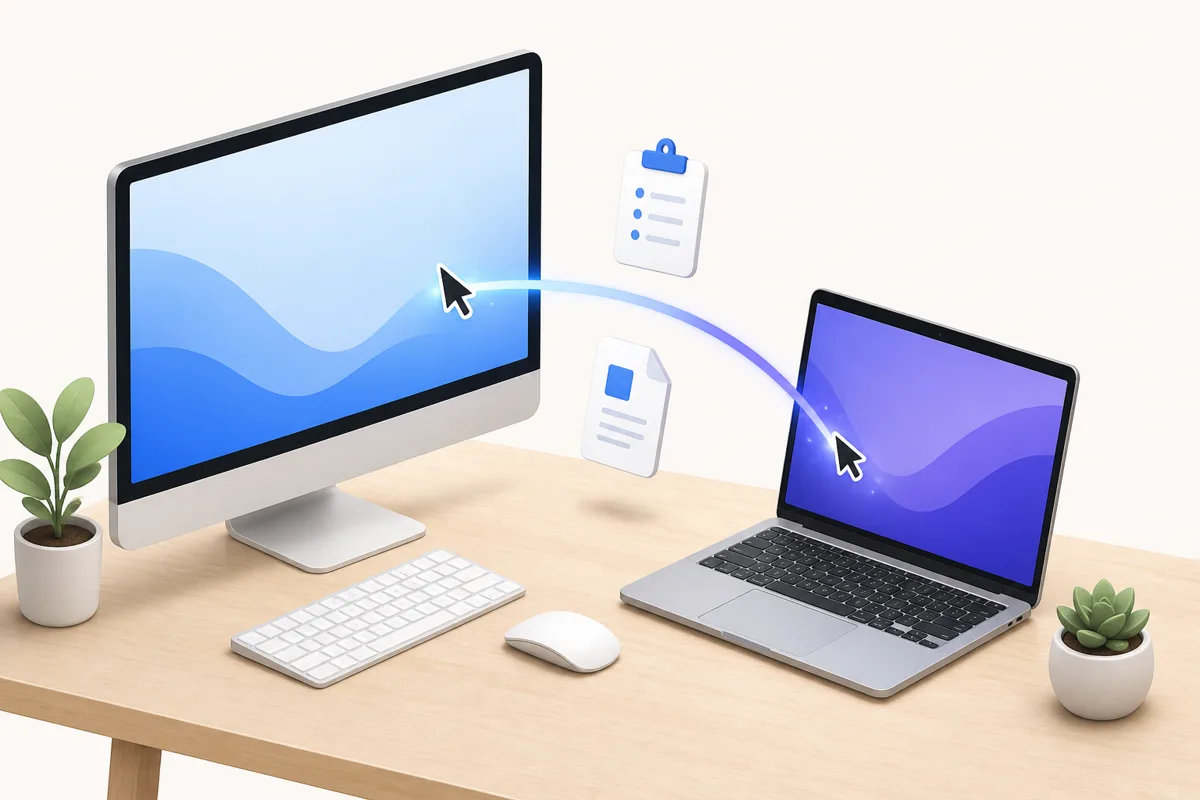
Move your cursor past the edge of the screen and keep working on the next PC. Clipboard, files and even your Korean IME state follow you — directly over your local network.
Up and running in three steps
No cloud account, no IP addresses to type. LinkDesk finds your PCs on the same network.
- 1
Install on each PC
Run the installer on your main PC and on every PC or laptop you want to control. It takes about a minute.
- 2
Confirm the 6-digit code
Both screens show the same code, like 482 913. Confirm it on each PC to pair them securely.
- 3
Move across the edge
Arrange the screens, then push the cursor past the edge. Your keyboard, mouse and clipboard follow.
Built for real desks with more than one PC
Everything you need to work across PCs as if they were one — with security that is on by default.
One keyboard & mouse
Glide between PCs by moving past the screen edge. Shortcuts, scrolling and drag gestures behave as expected.
Clipboard that gets Korean right
Copy on one PC and paste on another. The input bridge keeps your 한/영 IME state correct, so you never type in the wrong language.
File transfer with approval
Send files between PCs. The receiver approves every transfer and each file is verified with a checksum.
Security by default
6-digit pairing, TLS 1.3 on your LAN, an allow list of trusted devices and per-transfer approval.
Emergency return hotkey
If a PC disconnects, input returns to your main PC within 2 seconds. A hotkey brings it back instantly.
Revive old laptops
A lightweight agent that idles below 2% CPU turns an old laptop into a useful second workstation.
Profiles
Save layouts for home, office or studio and switch between them in one click.
Windows first, more on the way
LinkDesk starts on Windows. Here is what is available today and what is planned.
| Device | Role | Status |
|---|---|---|
| Windows 10 22H2 / Windows 11 (x64) | Main or secondary PC | Available · 1.0 |
| Android tablet | Viewer | Planned · 1.5 |
| Windows laptop | Secondary display | Planned · 2.0 |
| iPad, macOS, Linux | Viewer / secondary PC | Planned · 2.x |
| Windows 7 / 8.1 | — | Not supported |
Simple plans, one-time purchase
Start free. Upgrade once if you need more PCs or file transfer — no subscription.
Free
For two PCs side by side.
- 2 PCs on the same LAN
- Keyboard & mouse sharing
- Text clipboard sync
Personal Pro
For a full multi-PC setup.
- Up to 5 PCs
- File transfer
- Profiles
- Image clipboard
- Perpetual for the major version + 12 months of updates
Display / Tablet
Use a tablet or laptop as an extra screen.
- Android tablet viewer
- Windows laptop as secondary display
Business
Volume licensing and support.
- Volume licenses
- Deployment guidance
- Priority support
Beta: prices are a pre-launch hypothesis and may change. Everything is free during the beta.
Frequently asked questions
Does my keyboard input or clipboard go through your servers?
Which versions of Windows are supported?
How does pairing work?
What happens if a PC disconnects?
Will it slow down my old laptop?
Do you collect usage data?
Is it free?
Turn your PCs into one workspace
Free during the beta. Install on two PCs and you are done in a minute.